Roboto for Slack: Analyze Robot Data Without Leaving Slack
Ask @Roboto about your robotics data, trace failures, and keep your team informed with daily rundowns and proactive alerts, all from Slack.

Today we launch Roboto for Slack: a direct line to your robotics data and Roboto Agents from Slack.
Slack is where robotics teams already live. Engineers regularly paste snippets of logs and screenshots of graphs and ask “has anyone seen this before?”, customer issues land in operations and support channels, and field teams coordinate fixes in real time. But actually figuring out what happened on a run has always meant leaving that conversation behind and switching tools to investigate by hand.
Roboto for Slack removes that step. Mention @Roboto in a thread, ask a question, and an Agent answers using your actual robotics data, cutting diagnosis time from hours to minutes.
What it does
Analyze robot data
Mention @Roboto in any channel and ask about your data. Agents answer in the thread, pulling evidence from your robot logs and context to back each answer.
Daily rundowns
Roboto can post a scheduled summary of robot activity to your channel: how many runs came in, which robots were active, what failed, what is trending. You can spot concerning patterns before they manifest across the fleet.
Proactive alerts
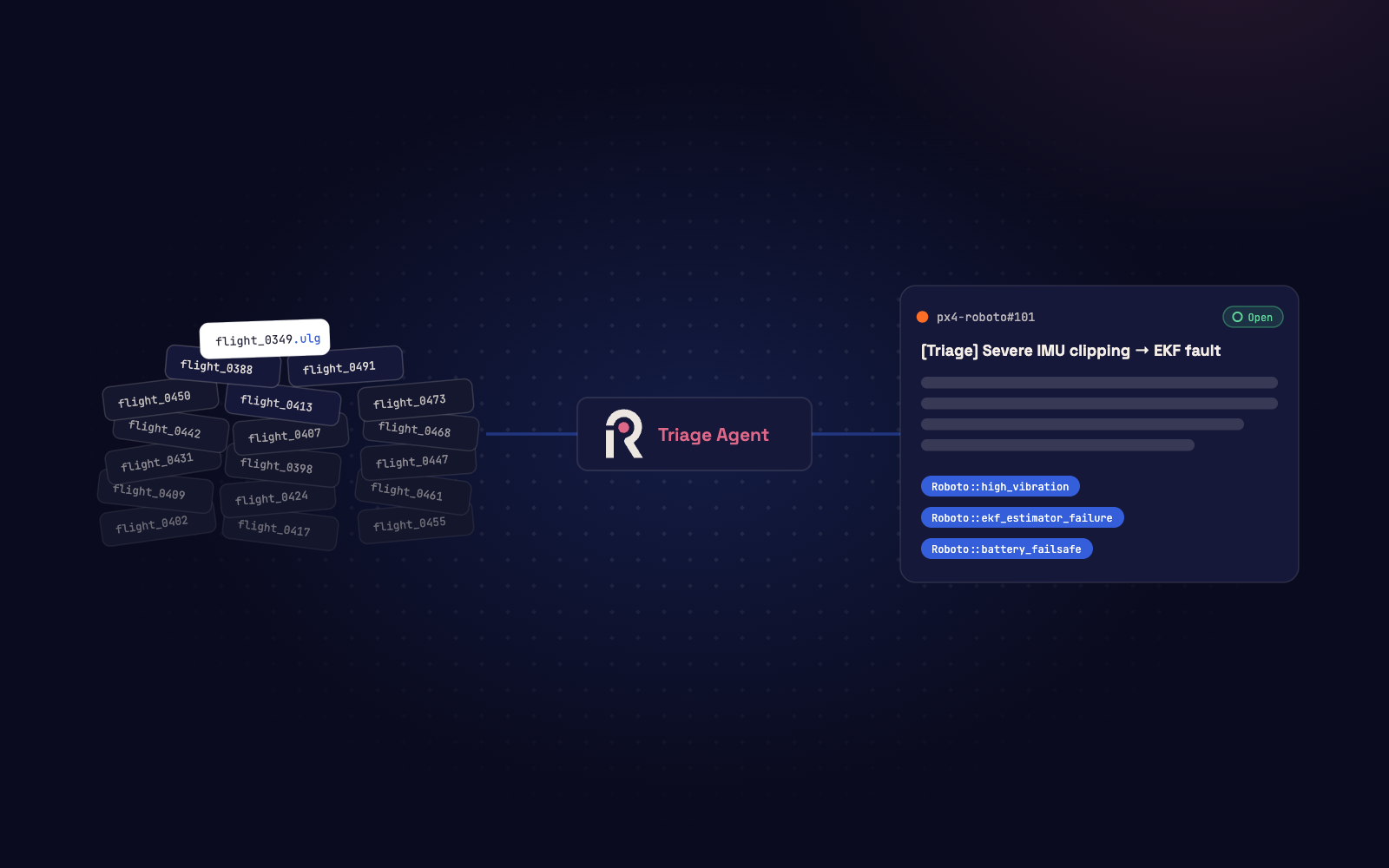
When an Agent discovers a critical issue during triage, the findings can be sent directly to a Slack channel. The alert covers what happened, which subsystem failed, and a link to the evidence in Roboto for further investigation.
What a conversation looks like
A customer’s drone went down mid-flight. Instead of downloading the log and opening a visualizer, the support engineer tags @Roboto in the thread.
Checked Northbeam Aero's logs from the last few hours. Looks like ds_j7c2omtlpr4e on UAV-07, tagged ulg (PX4 log), ingested 52 minutes ago. Digging into it now.
Arm ≈ t0. First failsafe at +41s, second at +119s, landing at +129s, disarm at +132s.
1. Flight Overview
~132s flight, armed almost throughout. Mode cycled Position→Altitude twice due to failsafe (local position invalid), recovering the first time but the second triggered blind-land and an early landing rather than completing the mission normally.
2. Timeline
| Time (rel.) | Event |
|---|---|
| +0s | Armed, Position mode |
| +41s | Local position invalid → Failsafe: blind land → mode → Altitude |
| +42s | Local position recovers → mode → Position |
| +119s | Local position invalid again → Failsafe: blind land → mode → Altitude |
| +129s | Landing detected |
| +132s | Disarm |
3. Issues Detected
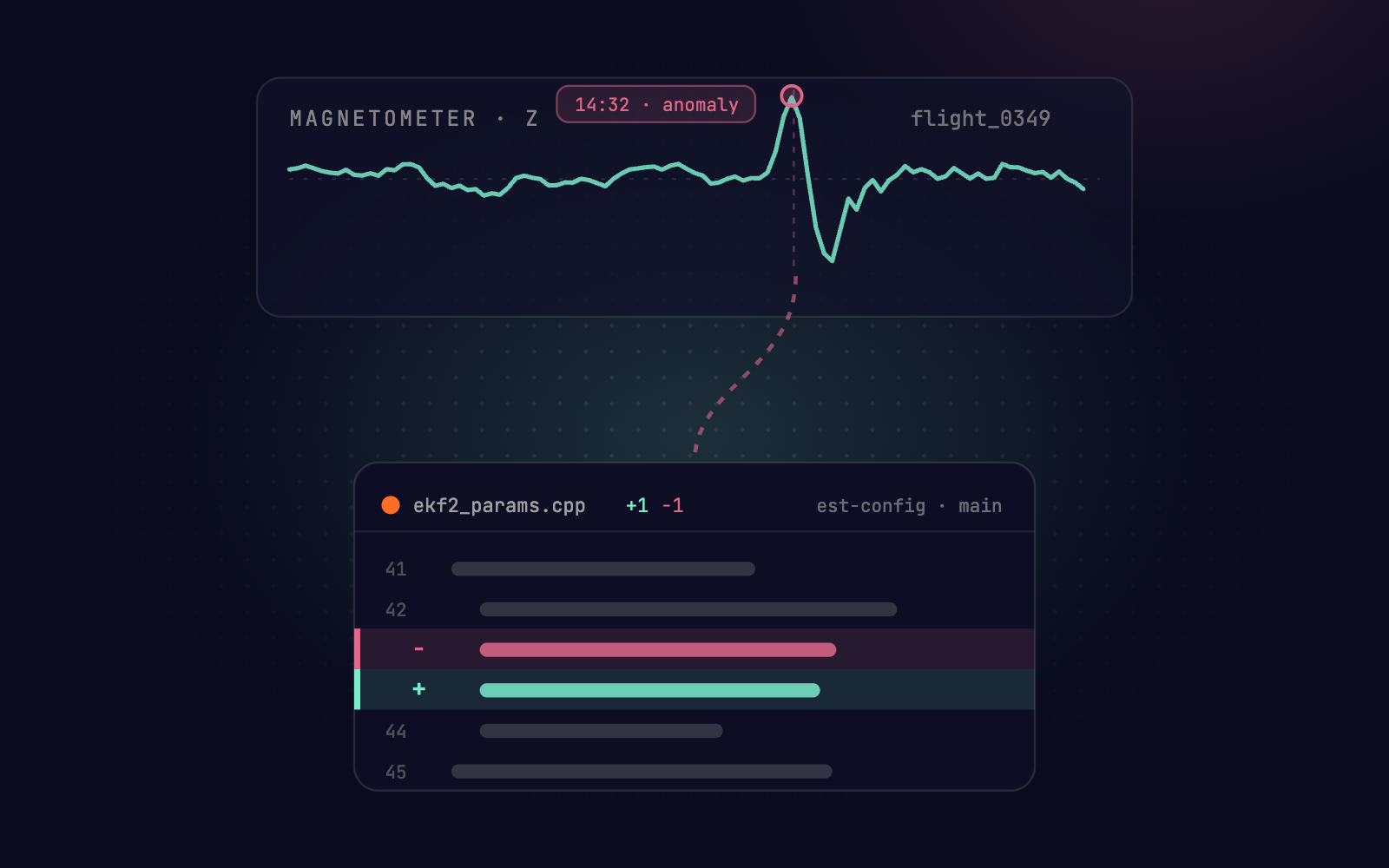
- Vibration: Accel spikes to ±80–142 m/s² (vs ~9.8 m/s² hover baseline), gyro up to ±8 rad/s, severe, at both failsafe onsets.
- EKF:
fs_bad_acc_verticalflagged 174/270 samples, mag fault 203/270, dead-reckoning engaged 54/270. - GPS: intermittent sat-count/PDOP/fix-quality faults (~8-12/126 checks), not majority, secondary factor.
- Power: healthy (22.4–22.8V, current ~55A, no faults).
Want me to root cause it?
Root cause: airframe vibration — not GPS.
Severe vibration corrupted the EKF's vertical acceleration innovations, invalidating the local position estimate twice. Each invalidation triggered a blind-land failsafe, dropping the drone to Altitude mode. The first recovered; the second didn't recover in time and forced an early landing.
Recommended Actions
- Inspect prop/motor balance and vibration isolation. Accel clipping this severe points to a mechanical issue, not just filter tuning.
- Review EKF accel innovation gates/vibration filtering.
- Re-check GPS antenna placement/interference given the intermittent PDOP/sat faults.
- Re-fly with vibration levels monitored live before extending mission duration.
Key signals: Accelerometer · Failsafe/nav_state · full workspace: visualizer
Yes. I found 7 matching flights across 5 datasets, 2 vehicles, and 2 locations. Same signature: severe vibration → fs_bad_acc_vertical → local-position failsafe. This looks like a recurring pattern, not a one-off.
- 4 flights from Lingfield, UK (same CubeOrange airframe, same
sys_uuid) across datasets ds_khk495rkiih7, ds_ifqg0g13us75, ds_fxsyi43w9bii - 3 flights from Santa Clara, CA (different airframe — PX4 FMU-V6X) across datasets ds_x5nv93zk9zbg, ds_qhw2y9y8bxb3
Done. Opened NBA-231 in Jira: Recurring vibration/mag instability on Santa Clara PX4 FMU-V6X units.
That thread produced a timeline and a root cause, identified a fleet-wide pattern, and even filed a ticket. Nobody had to leave Slack to get there. Every answer links back to the underlying data in Roboto, so the team can check the work at each step.
Why this matters
Robotics teams have always struggled with the last mile of debugging. The answer might already exist buried deep in your logs or historical tickets, but the person who needs it is in a Slack thread, talking to a customer or coordinating a field team. Each switch to another tool stretches resolution further out.
Roboto for Slack closes that gap. A support engineer can ask Roboto to diagnose a customer issue without leaving the conversation. An operations team lead can check whether a failure is isolated or spread across the fleet, no need to wait for an autonomy engineer to free up.
Before, it could take hours or even days to root-cause a complex flight failure. Now, we’re identifying and solving edge cases in minutes.
Roboto Agents do more than search. They scan for similar patterns across your fleet’s history, and tie every answer to the underlying data. You get the same depth as the Roboto web platform, delivered where your team already works.
How to get started
Roboto for Slack is available today at no additional cost for all Premium and Enterprise customers.
- Go to Settings > Integrations > Slack in your Roboto account.
- Click Connect to Slack and authorize Roboto for your workspace.
- Invite @Roboto to the channels where your team works.
For the full setup walkthrough, see the Roboto for Slack guide.
Start by inviting @Roboto to a channel. Ask it about your last run.
A traditional visualizer replays your logs and leaves the thinking to you. Roboto does the investigation and shows the evidence behind every answer, in the thread where your team already works.
Install Roboto for Slack or book a demo to see it on your data.
FAQ
What data formats does Roboto for Slack support? Every format Roboto supports: ROS bags, PX4 ULog, MCAP, Parquet, CSV, JSON, video, and custom binary formats. If Roboto can ingest it, you can ask about it from Slack.
Does the Agent have access to all my data? Agents respect your existing Roboto permissions. They only access data within your org, and every answer links back to the source dataset so you can verify.
Can I use the Slack app in private channels? Yes. Invite @Roboto to any channel, public or private, and mention it to start a conversation.
What kinds of questions can I ask @Roboto in Slack? Anything you would ask an engineer reviewing the log. Examples: “What caused the emergency landing?”, “Show me vibration data from the last 10 flights”, “Were there any EKF resets?”, “Has this failure happened on other vehicles?” The Agent pulls evidence from your telemetry and answers in the thread.
Do I need to mention @Roboto every time? Yes. Each question or follow-up in the thread needs an @Roboto mention to trigger a response. Messages without the mention are ignored.