Agentic triage: automate log review with Roboto Agents
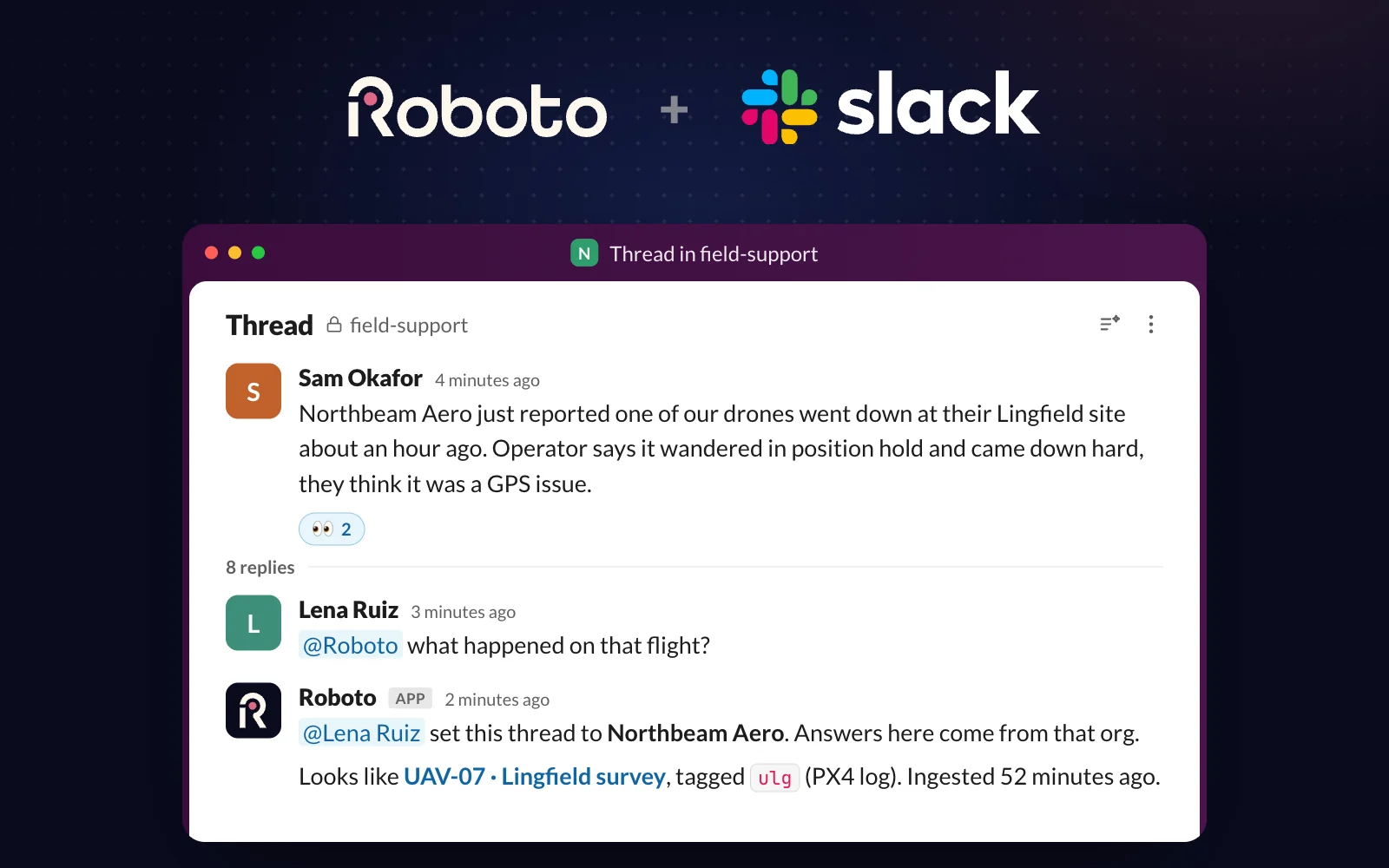
Manual triage doesn't scale and doesn't remember. Roboto Agents review every log the moment it arrives and open a labeled, evidence-backed issue in Linear, GitLab, or Jira.

Day 2 of Agent Week. Day 1 introduced Roboto Agents; today we put them to work.
Most robotics teams still debug manually and reactively. They collect logs, but only review them when something goes wrong, often after a customer complains. Logs from runs that appeared normal usually don’t even get looked at.
A drone has a hard landing. An inspection robot stalls mid-route. An engineer pulls the logs and starts digging. Chances are they could have found the issue weeks earlier. Tomorrow’s issues are already sitting in today’s logs. Nobody has time to review them.
What if every log got reviewed automatically the moment it arrives, and an engineer only stepped in when a deeper investigation was truly required?
Triage every log automatically
Today we’re launching agentic triage. Every time a new log arrives, a Roboto Agent reviews it, checks it for failure modes, and opens a labeled, evidence-backed issue in Linear, GitLab, or Jira.
Nobody opens the file first. Nobody has to remember to look. You find the issues before your customers do.
Watch a log from a real PX4 flight get ingested and come out the other side as a labeled GitLab issue, evidence attached.
Manual triage doesn’t scale, and it doesn’t remember
Manual triage fails twice. It doesn’t scale: reviewing a run takes an engineer, and runs grow faster than engineers, so what works across five robots breaks across fifty.
And it doesn’t remember. What excessive vibration looks like in the IMU traces before a drone loses attitude control lives in one engineer’s head, or one engineer’s scripts. When the same signature shows up on another airframe next month, the investigation starts from zero.
Automated triage reviews every run on arrival and answers “have we seen this before?” before anyone asks.
How triage runs on every upload
The purpose of triage is to check each log against your known failure cases, surface anomalies that don’t match any of them, and, when needed, escalate to the right team for a deep dive.
Three pieces make that happen, and you set them up once:
-
A triage Agent runs the review. You configure its goals: required outcomes like applying incident tags, detecting key events on the log’s timeline, or writing a triage summary.
-
Your team’s Skills hold the detection rules: versioned, plain-language, from a simple threshold to a complex diagnostic. Skills are shared across the org, so once the navigation team writes down what localization drift looks like, every log is judged by that rule.
-
A Roboto Action closes the loop. It launches the Agent on every upload and files an issue in Linear, GitLab, or Jira: the triage report as the body, the labels as issue labels, routed to the owning team. Clean logs get their issue closed automatically.
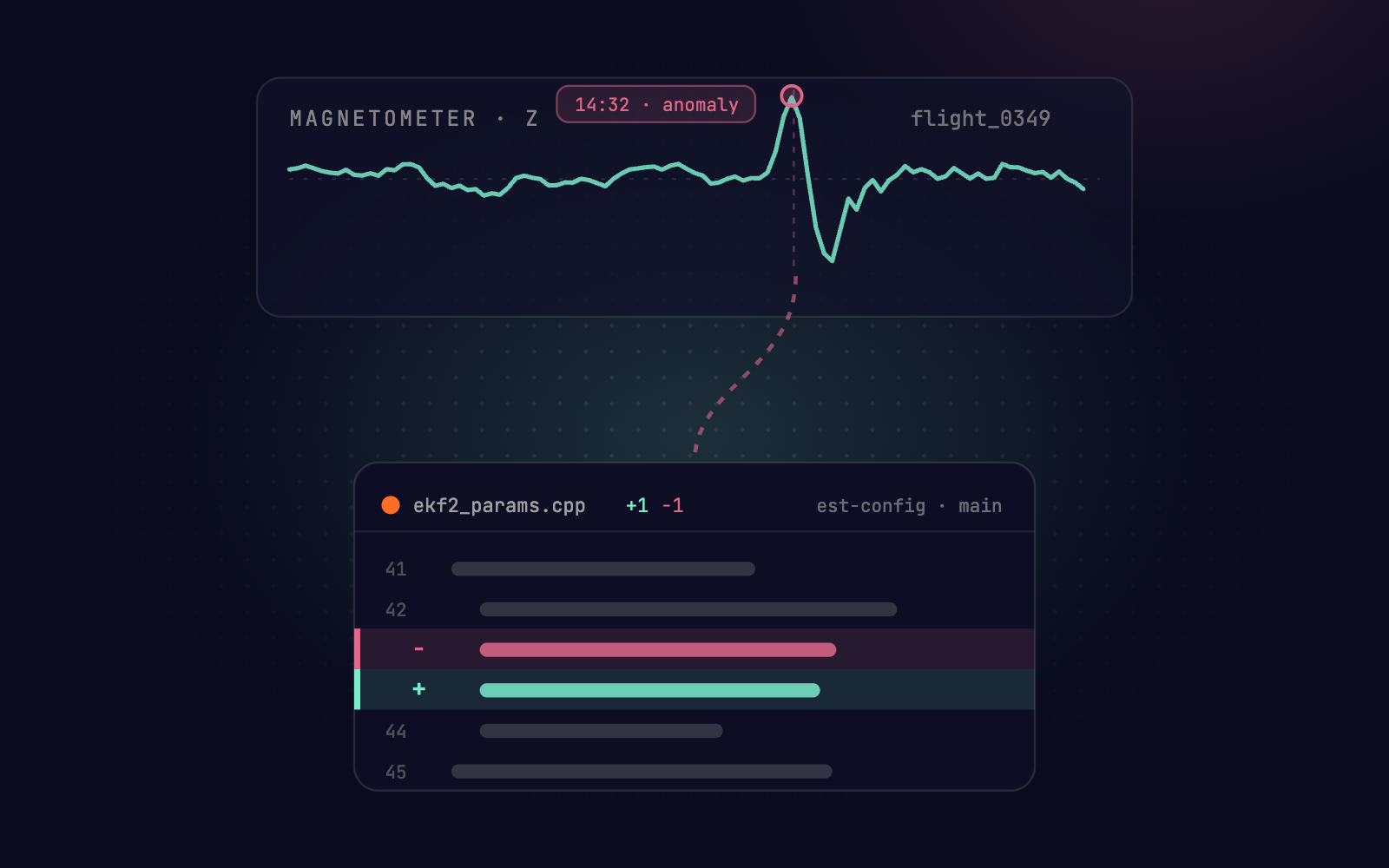
The Agent grounds every conclusion in the underlying log data. Each tag and event links back to the data that produced it, so verification takes seconds, not a re-investigation.
The full walkthrough, with the code, can be found under Auto-Triage Your Data.
How ANYbotics puts triage to work
ANYbotics builds legged robots for industrial inspection. Here’s what automated triage changed for their team:
Roboto’s automated triage is already part of our test and release pipeline. Every log is analyzed as it arrives, and the findings are automatically posted to our ticketing system. Instead of a raw log file, our engineers receive a labeled issue with the context they need. It’s reducing the time and cost of resolving issues and taking away a job that nobody on our team wanted and none of us were doing well.
Get started
Book a demo and we’ll set up the triage loop on your data.
Prefer to build it yourself? Auto-Triage Your Data walks through a full PX4 triage set, from your first Skill to running analysis.
Triage runs on its own. But some questions only you know to ask. That’s what’s next, later today at Agent Week.