Trace robot failures into your code with Roboto Agents
Roboto Agents now debug across your robot data and codebase, tracing a failure from your logs to the exact code that caused it, then drafting the fix.

Day 3 of Agent Week. Day 1 introduced Roboto Agents; Day 2 put them on triage and interactive analysis; today closes the loop, from failure to fix.
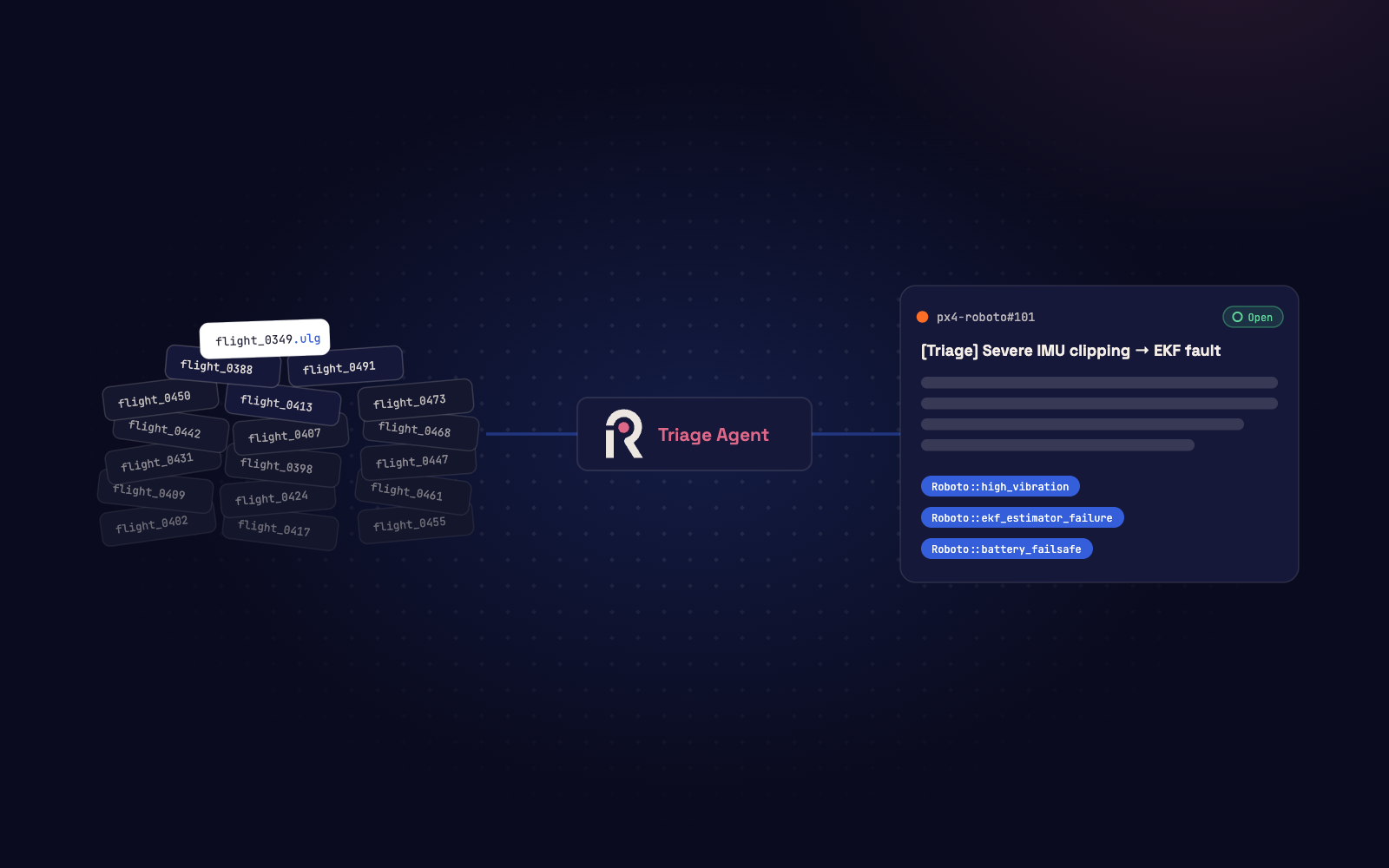
Agentic triage can analyze your logs, then give you a failure summary and labels in minutes: localization failure, motor anomaly, communication dropout. Then comes the harder question. Why? Starting today, Roboto Agents debug across your data and your code. They trace a failure in your logs to the code that produced it and propose a fix.
Watch an Agent take a failure to root cause: hypotheses tested against the data, the code pinpointed, and a fix drafted against the repo.
Knowing what failed isn’t knowing why
An issue label is often just a symptom. The cause hides somewhere across hardware, sensors, software and models, and the tribal knowledge of whoever knows the corresponding subsystem. That’s why real root cause analysis takes days and pulls in several teams.
An agent that only reads your data can tell you the magnetometer deviated at 14:32. It can’t tell you that the estimator config shipped last Tuesday changed how that reading is fused. To fully debug, an agent needs what your engineers need: the code, and often the context around it, like release notes and system diagrams.
Agents that follow the failure into the code
Armed with all of this, an agent can test hypotheses against your real multimodal data and follow the failure into the code. It comes back with a cause, a fix to review, and a clear trail of evidence.
The investigation that used to bounce between the support queue, the autonomy team, and the team that owns the repo now runs as one continuous thread.
This works in both directions, through MCP, the open protocol for connecting agents to tools.
Connect Roboto to your code
Point Roboto at an MCP server like GitLab’s, and its Agents trace a triage label or a curated Event back to the responsible code and propose a fix against the repo.
Bring your own agent
If you already run agentic workflows, or your security team wants the agent running inside your own environment, point Claude Code or any MCP client at Roboto’s MCP server for direct access to your logs, datasets, and Events. Your agent queries the real data, not summaries, while you stay in the loop.
How BRINC solves issues before customers ever notice them
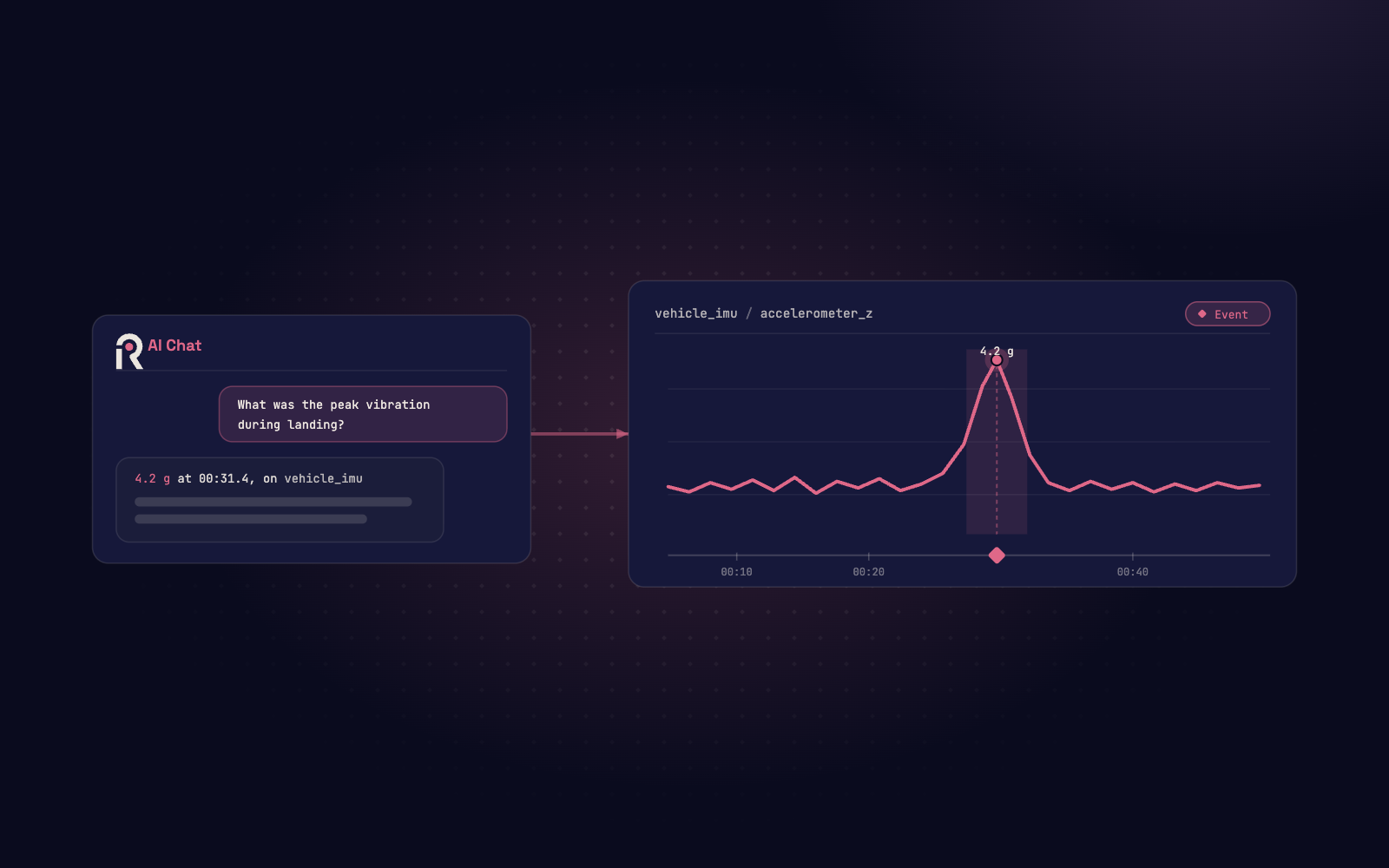
At BRINC, support engineers triage drone issues rapidly in Roboto AI Chat, with no code knowledge required. On the engineering teams, the same conversation continues and dives deeper into both the vehicle software and cloud services.
Roboto is invaluable for debugging challenging flight issues. Before, it could take hours or even days to root-cause a complex flight failure. Now, with Roboto’s AI chat and agents — along with the ability to provide BRINC-specific context and code — we’re identifying and solving edge cases in minutes. These features have also enabled employees less familiar with all of our systems to quickly diagnose problems.
Get started
Want to close the loop on your own logs and code? Book a demo, and we’ll walk you through connecting your repositories and organizational context. Or follow the Connect External Tools via MCP guide and run your first investigation yourself.
When an agent can reach both your data and code, you accelerate your learning loop. You can go from triage to root cause before your customers notice. But failures aren’t the only moments worth finding in your data. That’s what’s next, later today at Agent Week.