Agentic data analysis with Roboto AI Chat
AI Chat analyzes your multimodal data, plots key signals, inspects video and highlights the moments that matter across one robot run or ten thousand.

Day 2 of Agent Week. Day 1 introduced Roboto Agents; this morning, agentic triage gave every log a first look on its own. But some questions only you know to ask.
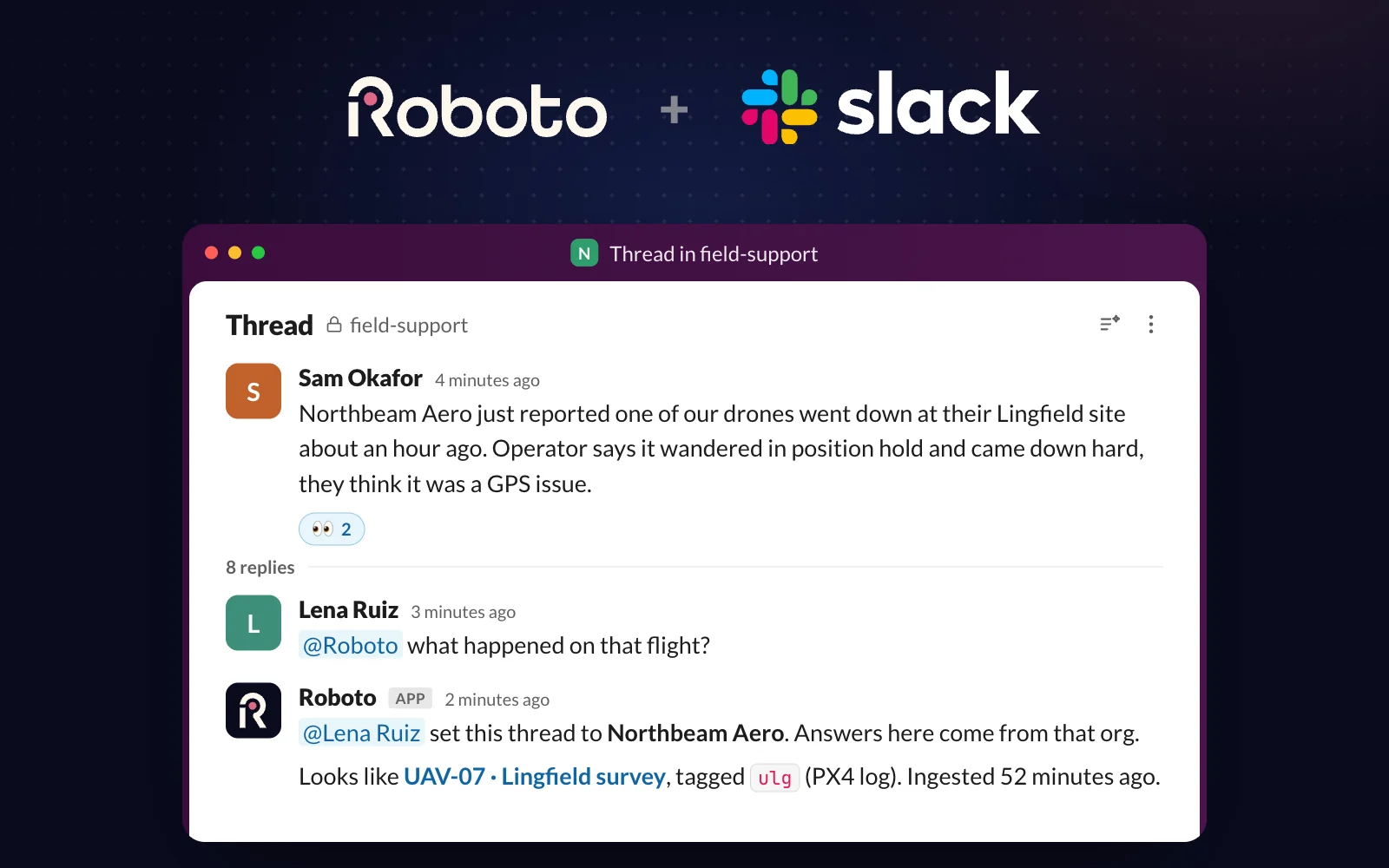
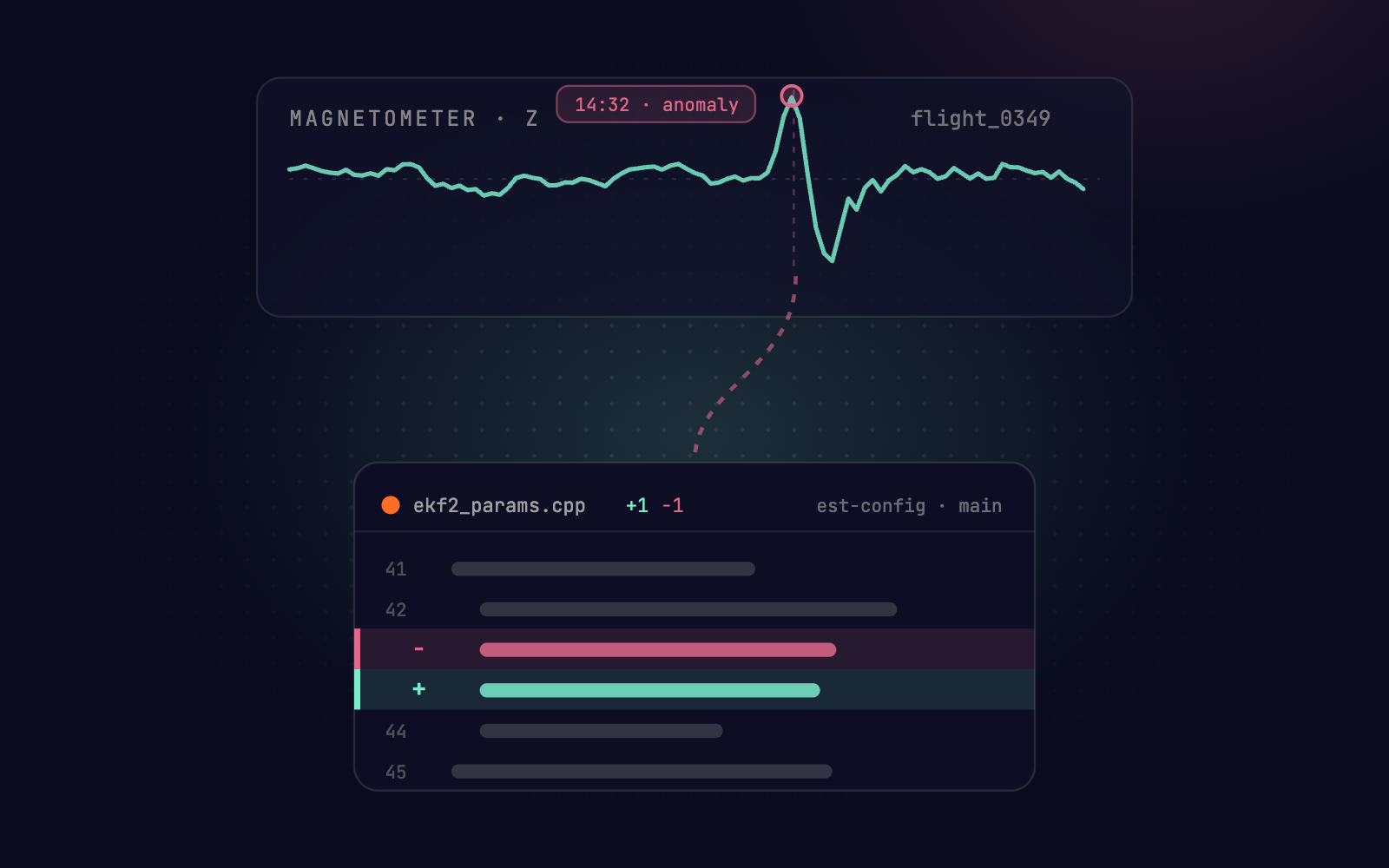
Roboto AI Chat is live today. Ask “What’s going on in this flight?” and the workspace fills with the data behind the answer. AI Chat searches your multimodal data, pulls the statistics, plots the relevant time-series, and marks the moments that matter as Events on the visualizer timeline.
It works with your team’s knowledge in hand: the Skills your experts have written and the context your organization has already built. The answer reflects how your team debugs, not how a generic chatbot guesses.
Watch a thread go from “anything odd?” to a hardware fault, evidence attached.
The questions that used to cost too much
Every analysis starts with the same tax. Find the right log among thousands, open it, and work out which of a few hundred topics matters. Write a one-off script to plot it, then scrub the video to line it up with the time-series. Then start over.
The engineer who knows which topics matter becomes the bottleneck. Hours of multimodal data sit between a question and the two seconds that answer it. The questions that feel too expensive to ask never get asked at all.
AI Chat removes the tax. It knows what you’re looking at: navigate to a dataset or file and it picks up the context, no IDs to specify. Ask what’s interesting and it surfaces the pertinent topics, even in a format you’ve never worked with.
Then get specific: “What was the peak vibration during landing?” AI Chat computes it from the IMU topic, plots the window around it, and marks the spike as an Event.
Answers arrive with links to the dataset, file, topic, or Event behind them, so the trail from conclusion to data is one click. You start with the answer, not a timeline.
The same conversation, across every log
A thread doesn’t have to stop at one run: point it at a device’s whole history and ask, “When did this error first appear? Is it isolated, or is it happening across the fleet?”
A medical device company with units deployed across many hospitals did exactly that. Across three months of one device’s data, they steered a single conversation and isolated a hardware fault. The same analysis flagged a second device mid-failure at another site. Debugging one robot prevented the next failure.
Teach it once, run it everywhere
Your best engineer’s process is now something the whole team can replicate. Turn a thread into a reusable Agent that runs the same analysis on every new log, or save the workflow as a Skill your team can apply anywhere.
The next engineer who hits the same failure doesn’t start from zero. Your organization’s context compounds with every conversation.
How Imperative Care debugs in conversation
Imperative Care Robotics builds robotic-assisted technology for treating ischemic stroke. Understanding a single procedure means reviewing dense, high-frequency time-series, video, and system logs spread across multiple files.
Roboto has made it much faster for me to analyze and correlate signals generated by our robot’s subsystems. I can describe the behavior I’m investigating in natural language, and it identifies the relevant topics, evaluates complex conditions involving state transitions, threshold checks, and relationships between signals, then takes me directly to the matching events in the visualizer.
What I find especially valuable is being able to extend that investigation across datasets. If I see an issue in one run, I can quickly look for similar behavior across other ones, making it much easier to distinguish isolated events from recurring patterns.
Get started
Book a demo and we’ll debug one of your runs, live.
Already on Roboto? Open the chat sidebar and start asking. Using AI Chat covers the full workflow, from example prompts to turning a thread into an Agent.
Today the conversation found the fault in the data. Some failures trace back to your software. That’s tomorrow, at Agent Week.